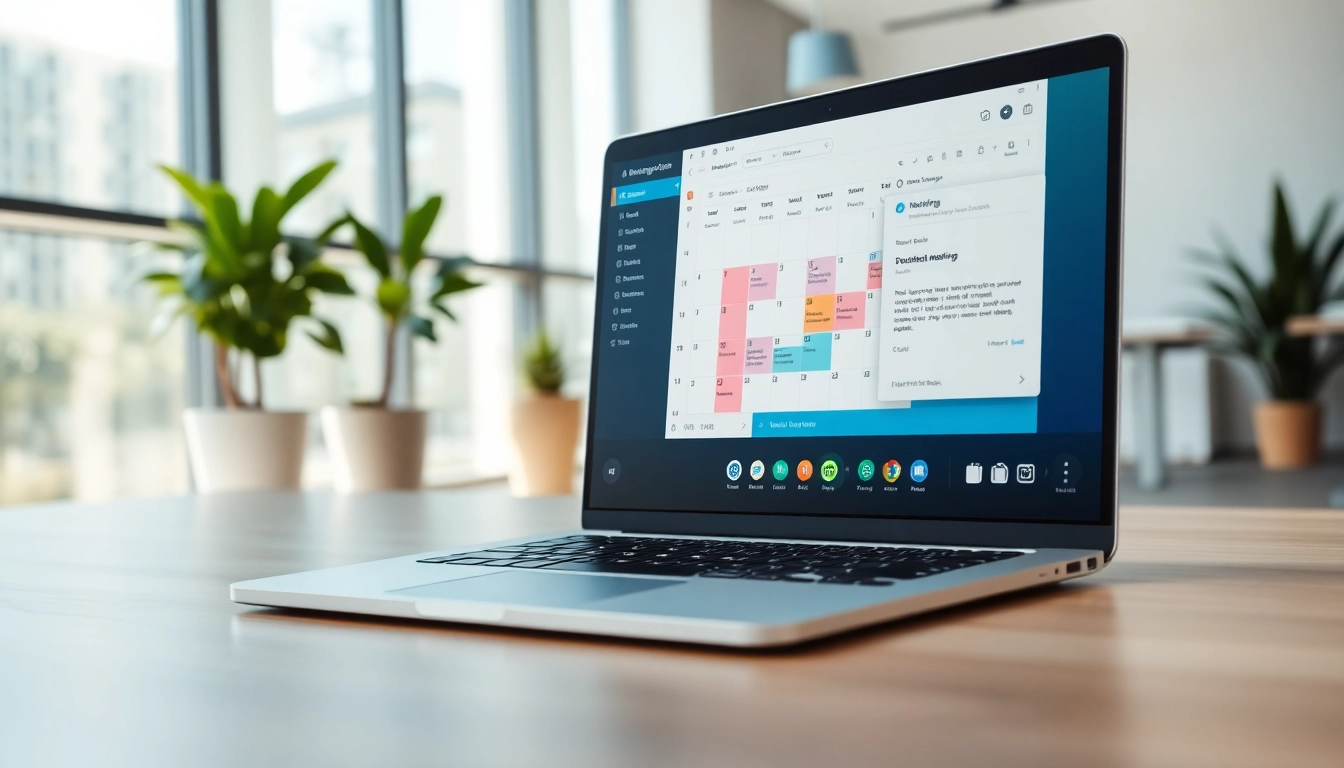
Understanding AI Meeting Scheduler Email
With the fast-paced environment of modern business, effective scheduling is essential for maximizing productivity. Enter the AI meeting scheduler email, an innovative tool designed to simplify and streamline the process of coordinating meetings through intelligent automation. This article delves into the essence of AI meeting schedulers, their key features, and the numerous benefits they offer.
What is an AI Meeting Scheduler Email?
An AI meeting scheduler email is a digital assistant that utilizes artificial intelligence to facilitate the scheduling of meetings directly via email communications. This technology automates standard tasks including finding appropriate meeting times, sending invites, and managing calendar updates. By analyzing participants' schedules and preferences, AI schedulers can propose optimal slot times, reducing the back-and-forth communication that often bogs down meeting planning.
Key Features of an AI Meeting Scheduler Email
- Natural Language Processing (NLP): This allows the AI to understand and process email discussions in a manner that mimics human interactions.
- Calendar Synchronization: It integrates seamlessly with existing calendars (Google Calendar, Outlook, etc.) to access real-time availability of all participants.
- Automated Proposals: The software can suggest meeting times based on the schedules of all attendees, making it easy for everyone to find suitable slots.
- Time Zone Management: It automatically accounts for different time zones, ensuring that scheduling is accurate regardless of participants' locations.
- Customizable Preferences: Users can set their scheduling preferences, such as preferred meeting durations, working hours, and buffer times.
Benefits of Using an AI Meeting Scheduler Email
Employing an AI meeting scheduler can provide numerous advantages:
- Time Efficiency: Significantly reduces the time spent on scheduling by automating discussions about availability.
- Improved Accuracy: Minimizes the risk of double bookings and scheduling errors.
- Enhanced Productivity: Frees up time for employees to focus on their primary tasks instead of coordinating schedules.
- Simplified Communication: Facilitates clearer and less complicated email exchanges by providing straightforward options to all participants.
- Scalability: Supports larger organizations in managing the complex schedules of multiple team members across various departments.
Features to Look for in an AI Meeting Scheduler Email
When selecting an AI meeting scheduler email, it's crucial to understand which features will provide the most benefit for your specific needs.
Automated Scheduling Functionalities
The core of any AI scheduling tool is its ability to handle scheduling autonomously. Look for functionalities that allow the software to access user calendars, review availability, propose optimal meeting times, and send out invites without direct intervention. This feature not only saves time but also eliminates potential scheduling conflicts.
Integration with Existing Calendar Systems
Seamless integration with popular calendar systems, such as Google Calendar, Microsoft Outlook, and Apple Calendar, is essential. This compatibility ensures that all scheduled events are automatically reflected across all platforms, providing a holistic view of your calendar and further minimizing the chances of scheduling issues.
Customization Options for User Preferences
The ability to tailor the AI scheduler to fit individual or organizational preferences can enhance user experience. Look for options that allow users to set preferred time slots, adjust meeting duration, establish methods for participant notifications, and incorporate specific meeting types—all of which contribute to a more personalized experience.
How to Effectively Use an AI Meeting Scheduler Email
Implementing an AI meeting scheduler email effectively means taking the time to set it up properly and integrating it into your daily routine.
Setting Up Your AI Meeting Scheduler Email
Begin by selecting an AI meeting scheduler that fits your needs, and follow the installation steps carefully. Most systems will require you to connect your email and calendar accounts to allow for calendar synchronization. Additionally, configure the settings to reflect your availability, preferences for meeting types, and any other options that suit your working style.
Tips for Optimizing Scheduling Processes
To maximize the efficiency of your AI meeting scheduler:
- Set clear parameters for meeting types and durations, ensuring that the AI has enough context to make appropriate proposals.
- Regularly update your availability settings, particularly during changes in schedule or travel plans.
- Encourage team members to respond promptly to proposed meetings, allowing for a quicker coordination process.
- Evaluate the performance of the AI tool periodically to identify areas for improvement or adjustments.
Common Pitfalls to Avoid When Using AI Meeting Scheduler Email
While AI schedulers can streamline the scheduling process, there are common mistakes to watch for:
- Failing to communicate any changes in your availability can lead to unnecessary scheduling conflicts.
- Not leveraging customization features could result in the tool not fully addressing specific needs.
- Over-relying on automation may hinder personal communication, so it's important to balance automated scheduling with individual outreach.
Best Practices for Managing Meetings with AI Scheduling Tools
Employing best practices will enhance the overall user experience with AI scheduling tools and make meetings more productive.
Creating a Seamless Scheduling Experience
Ensure a smooth process by maintaining clear communication and follow-up mechanisms. Utilize the reminders and notifications provided by the AI tool to keep all parties informed, and set a culture of feedback to continuously improve the scheduling process.
Keeping Your Calendar Clutter-Free
Regularly review your calendar to eliminate unnecessary meetings and ensure you allocate your time efficiently. Use the scheduling assistant to set "focus time" blocks that protect your productivity and allow uninterrupted work periods.
Follow-Up Strategies After Scheduling
After securing a meeting, it is beneficial to send reminders or recap emails summarizing the key discussion points and any necessary materials. This practice not only fosters accountability but helps participants come prepared to engage in meaningful dialogue.
Future Trends in AI Meeting Scheduling
The future of AI in meeting scheduling promises several innovations that will further enhance productivity, making it essential for businesses to stay informed of these developments.
Innovations on the Horizon for AI Technology
Future developments may include enhanced machine learning capabilities that allow the AI to predict scheduling preferences based on past behavior. This predictive scheduling can proactively suggest meeting times before even receiving requests.
The Impact of Machine Learning on Scheduling
As machine learning algorithms improve, AI scheduling tools will likely offer increasingly intelligent suggestions, adapting to user preferences and working styles over time. This learning capability can drastically simplify the scheduling experience to fit individual workflows.
How Businesses Can Adapt to Upcoming Changes
Businesses should be prepared to embrace these trends by encouraging flexibility and adaptability in their scheduling processes. Regular training and updates on the capabilities of AI tools can empower employees to leverage these advancements effectively.
FAQs about AI Meeting Scheduler Email
1. What is an AI meeting scheduler email?
An AI meeting scheduler email is a digital assistant that automates the process of scheduling meetings through email, reducing the need for back-and-forth conversations about availability.
2. How does AI improve meeting scheduling?
AI enhances meeting scheduling by automatically proposing meeting times based on participants' availability, thereby eliminating potential conflicts and saving time.
3. Can I customize my AI meeting scheduler's preferences?
Yes, most AI meeting schedulers allow users to set custom preferences for meeting durations, preferred times, and notification methods, ensuring a tailored experience.
4. What common issues arise with AI meeting schedulers?
Common pitfalls include failure to update availability, not utilizing customization options, and over-relying on automation at the expense of personal communication.
5. What future trends should I watch for in AI scheduling?
Future trends may include smarter machine learning capabilities that predict user preferences and suggest meeting times, making scheduling even easier and more intuitive.